Most BI tools claim to be “user-friendly.” But look closer, and they often require:
- technical understanding of filter logic
- knowledge of how the data model is structured
- awareness of which tables belong together
- the ability to build custom visualizations
- and most of all: time
And so we end up right back where we started:
A tool built for IT – but a need owned by the business.
We designed Homepal for people who work with questions – not with data
A leasing agent should be able to log in and instantly find:
“What units are currently vacant?”
“How many contracts did we sign last month?”
“What’s the trend in interest registrations?”
Without needing to:
- know which tables sit behind the scenes
- understand whether a field comes from the lease or the unit
- build a new visualization
- or ask IT
That’s why we built an interface that requires nothing but curiosity.
It all starts with one thing: the KPI
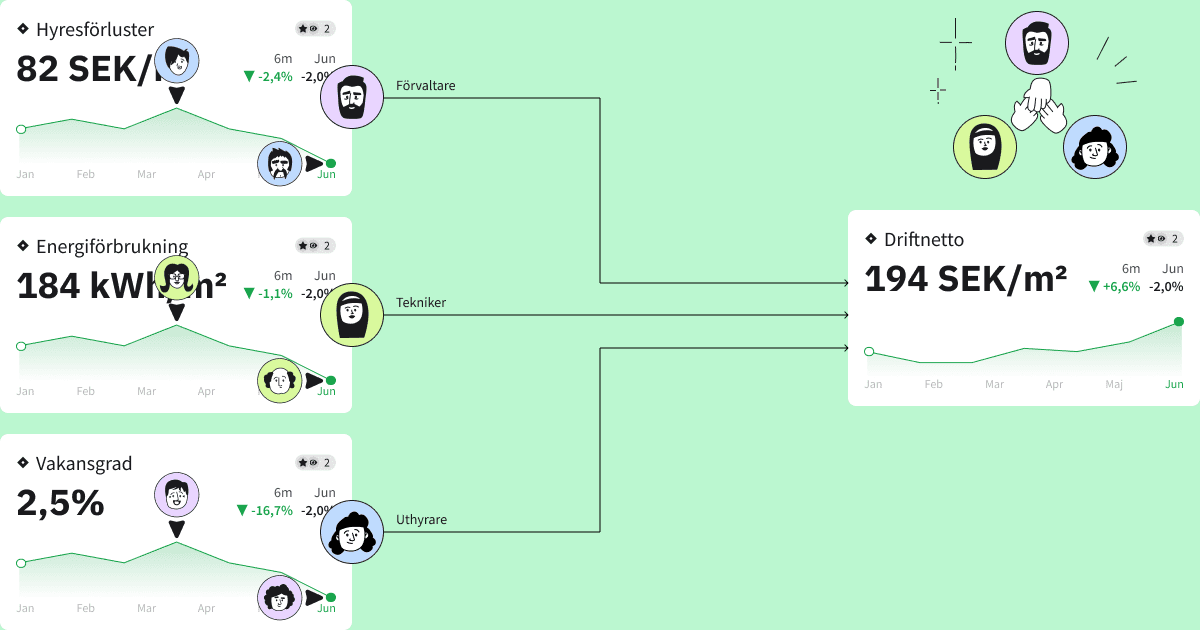
In Homepal, the KPI is always at the center. You choose what you want to measure—not how to build it.
For each KPI, you can instantly:
- see the definition and calculation
- use global filters (time, area, unit type...)
- compare with previous periods or other segments
- visualize trends or distributions
- drill down to lists of linked units or contracts
And it works the same whether you’re tracking finance, leasing, sustainability, or operations.
It’s like a BI toolkit - where we’ve already prepped every piece
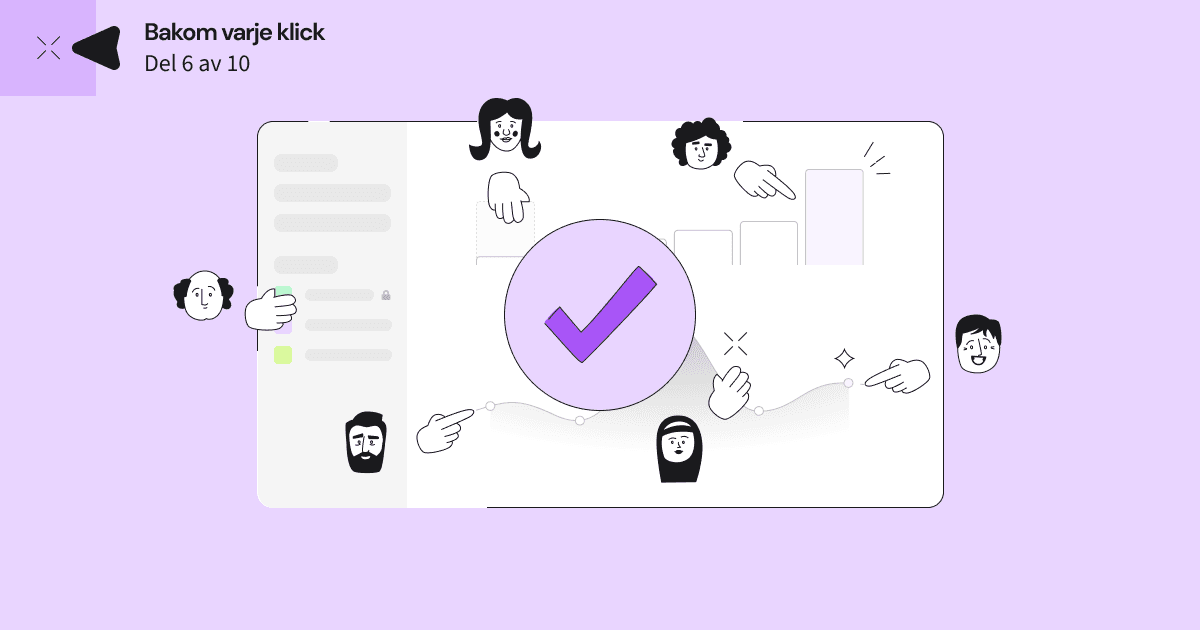
The customer’s role isn’t to build BI, but to:
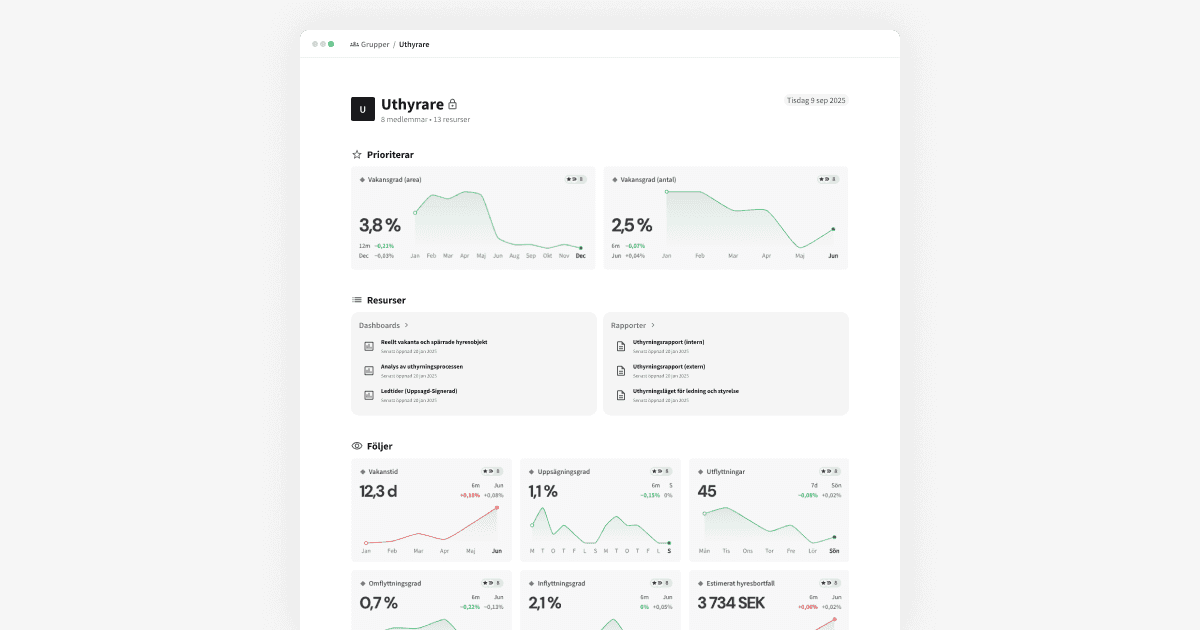
- choose relevant KPIs
- combine them in dashboards
- use them in meetings, reports, or decisions
- and act on what they see
Just like a website builder gives marketing control over messaging - Homepal gives the business control over the numbers.
And that’s why we don’t require training
We only ask that you:
- know what you’re curious about
- understand your business
- and have a need to make better decisions
The rest—filter logic, data model, visualizations, calculations - we’ve already built in.
Next time we’ll show how our users get insights without asking IT - and how BI can become self-driving: