Data access
Control what data each user can access by assigning customizable data accesses based on properties.
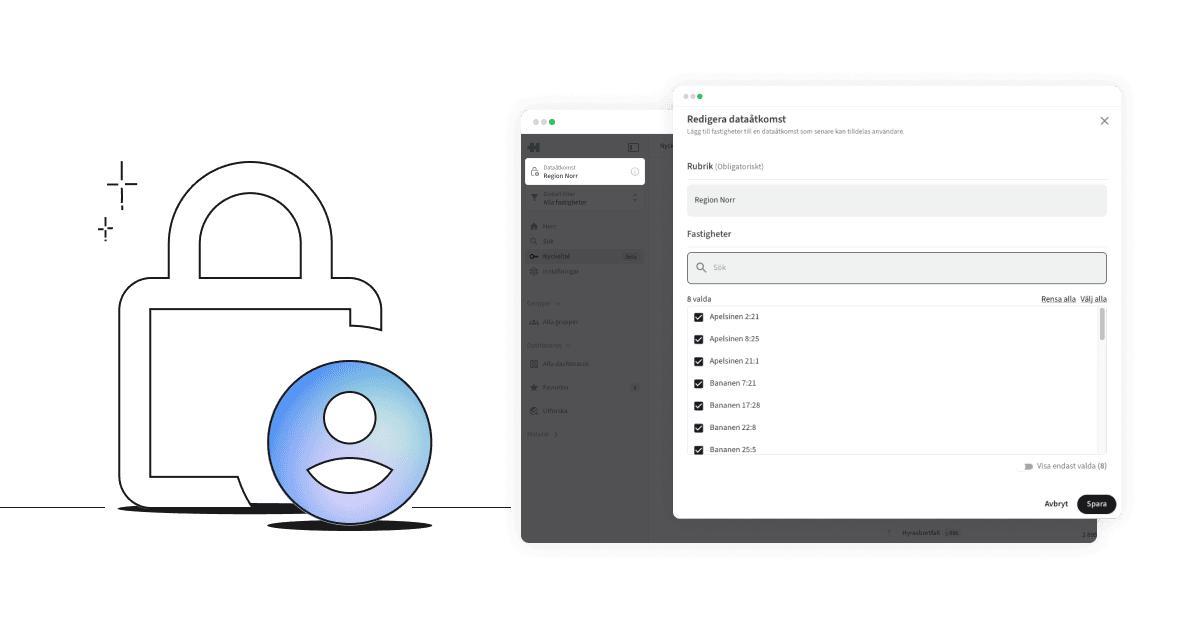
What is data access?
Data access is a permission model that allows system administrators to decide which properties a user can view in the application. By grouping properties into named “data accesses,” you can tailor each user’s visibility based on their role, responsibilities, or geographic area.
How it works
Each data access consists of one or more properties and is given a unique name. When a user is assigned a data access, all data in the system—such as key metrics, dashboards and reports—is automatically filtered to only include the properties within that access.
A user can only have one data access. If no data access is assigned, the user is automatically given All.
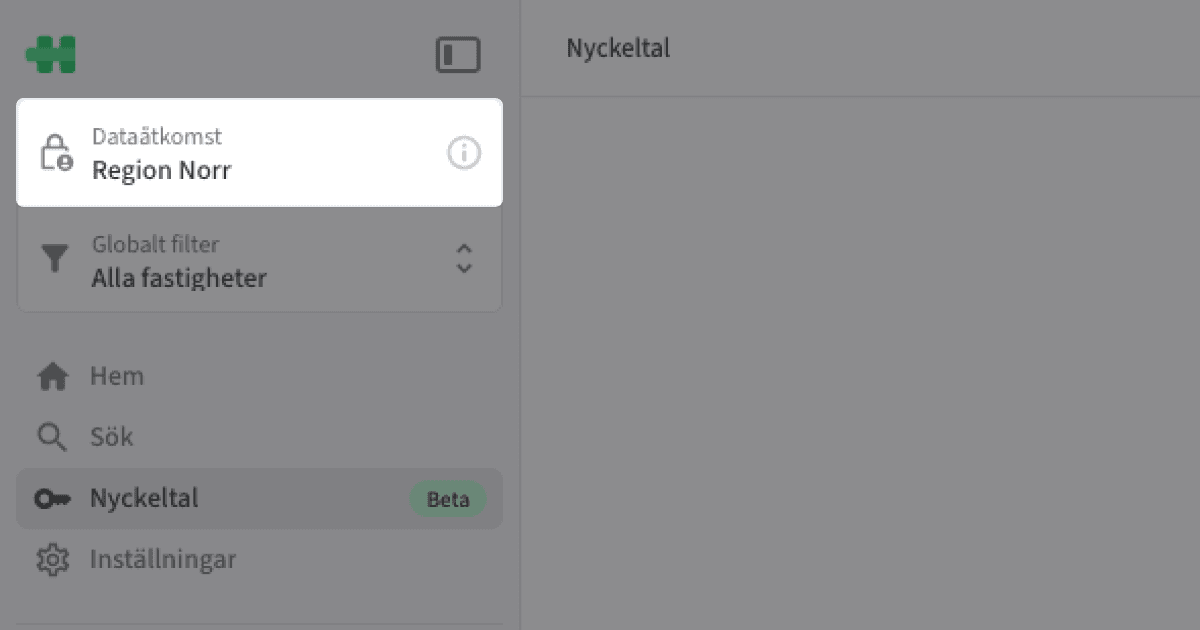
The user’s active data access is always displayed in the top-left corner of the global sidebar. If given All, the data access is hidden.
How to use this feature
Manage data accesses

Here, as a system administrator, you manage which data accesses exist—and which properties belong to each access.
Create a data access
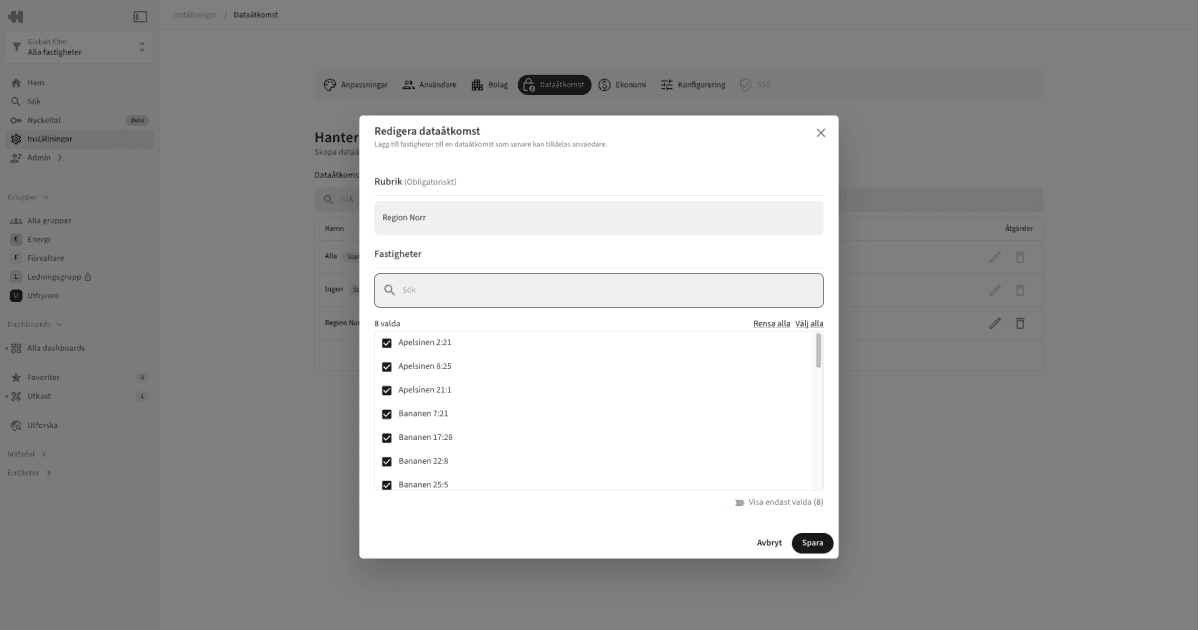
In Data access in Settings, you can create data accesses as a system administrator.
Click Add
Give the access a name; for example, "Northern Region"
Select the properties to include
Save
Assign data accesses
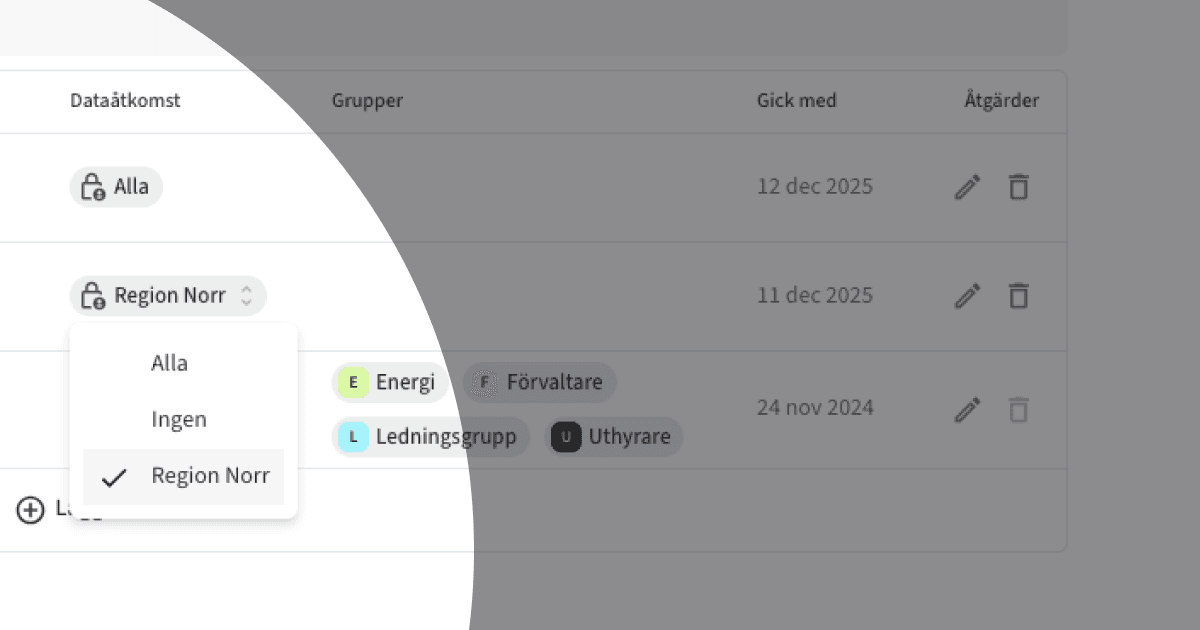
In Users under Settings, you can assign an existing data access to a user. Click the tag to view available accesses, then assign the appropriate one.
Tips
Use clear and descriptive names for data accesses, such as “South Region” or “Commercial Portfolio.”
Simplify onboarding by creating predefined access groups that can be reused.
Review user permissions regularly to ensure they remain correct and up to date.
Copyright © Homepal AB 2025