Global filter
Quickly filter the entire application by selecting all, personal, or custom property sets.
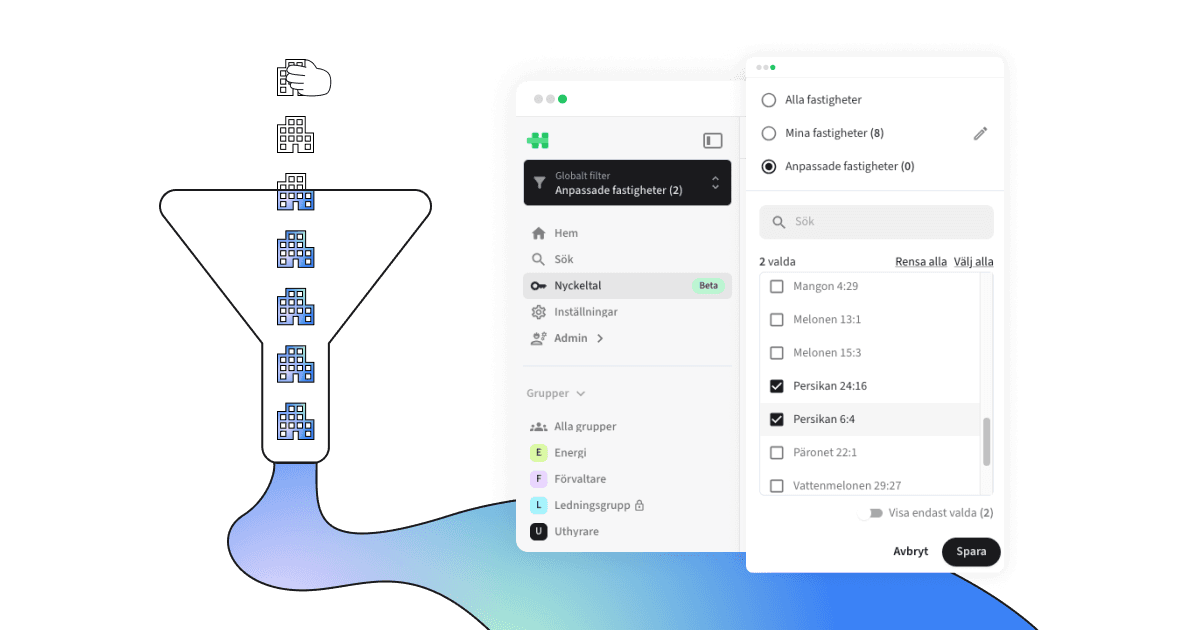
What is global filter?
The global filter allows users to control which properties the entire application should display data for. It is located directly under the user’s data access in the global sidebar and provides quick access to All properties, My properties, or a temporary selection via Custom properties.
The properties available in the global filter are always based on the user’s assigned data access.
How it works
The global filter affects all data in the application. When a user selects a filter option, all key metrics, dashboards, reports, and other resources update to show data only for the selected properties.
All properties: Displays data for all properties included in the user’s data access.
My properties: Allows the user to save a personal selection of properties. This creates a reusable filter option—perfect for users who are responsible for or frequently work with specific properties.
Custom properties: Allows the user to select a temporary set of properties of interest.
How to use this feature
The global filter is located at the top of the left global sidebar.
All properties
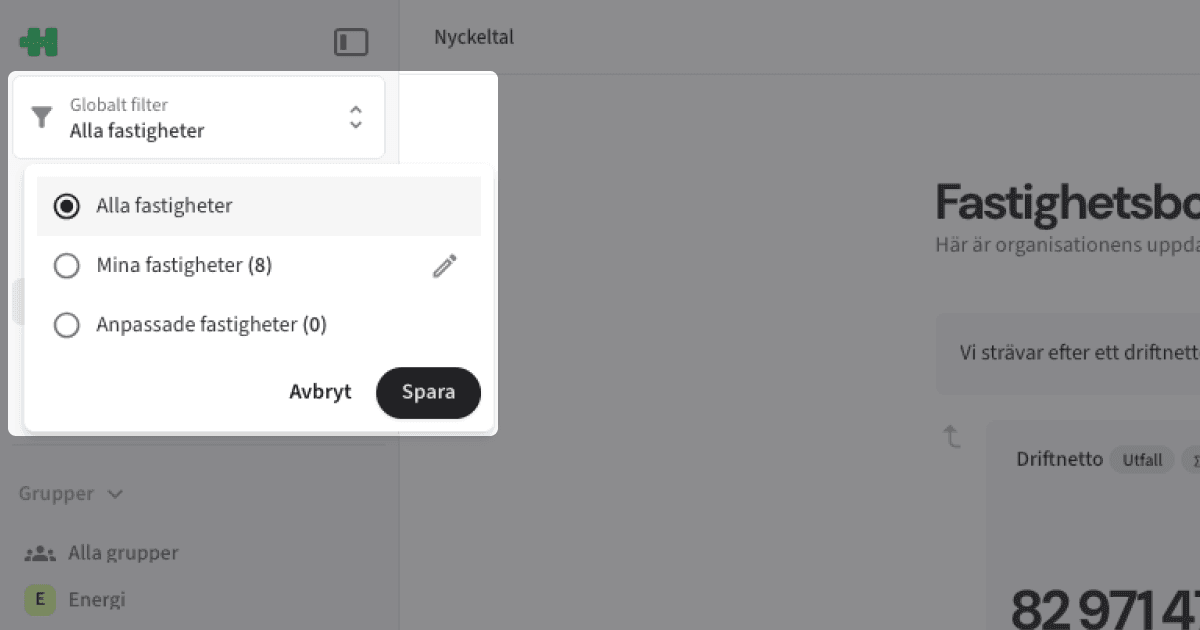
Select All properties to view data for all properties you have access to.
My properties
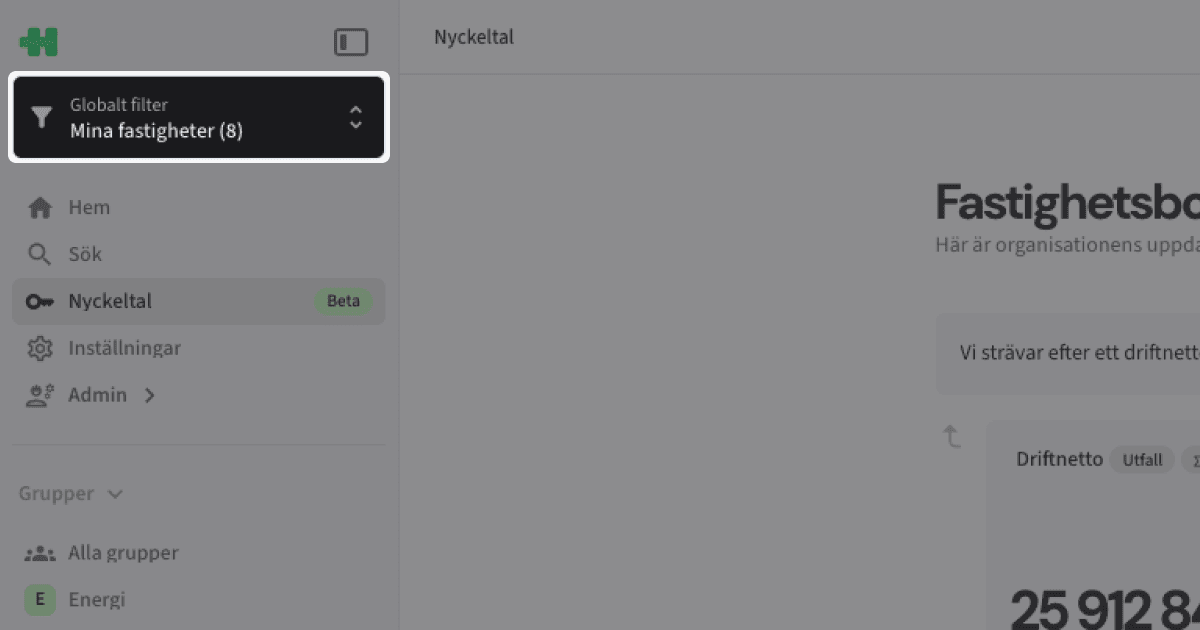
Select My properties to view data only for the properties you have chosen to save—or click the pencil icon to edit which properties this option includes.
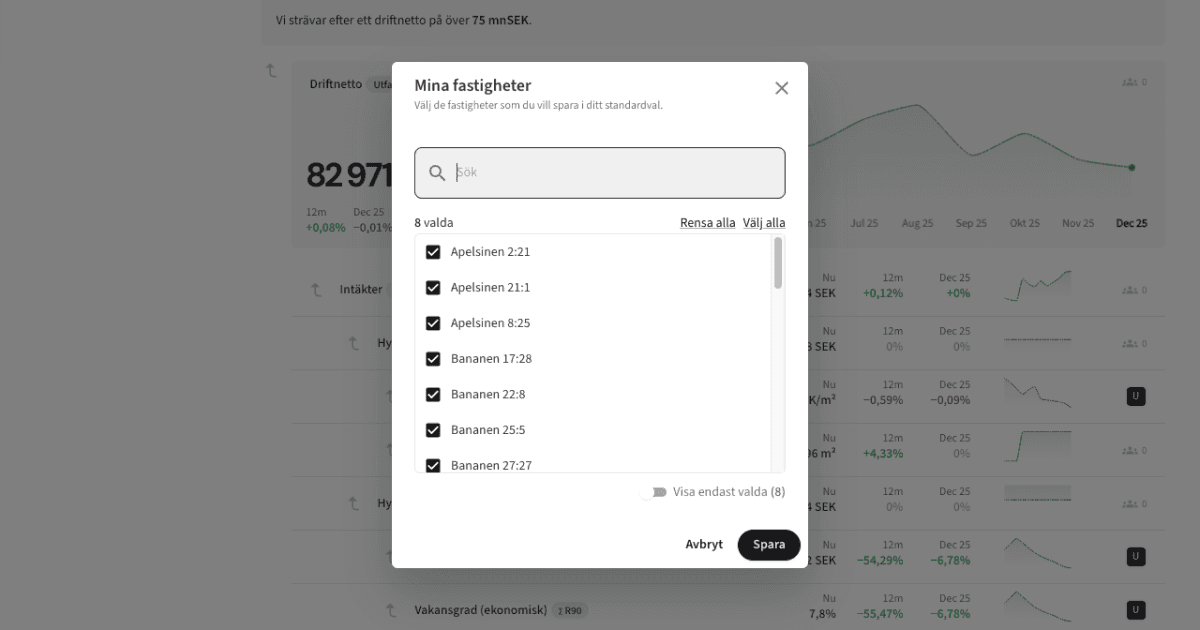
Custom properties
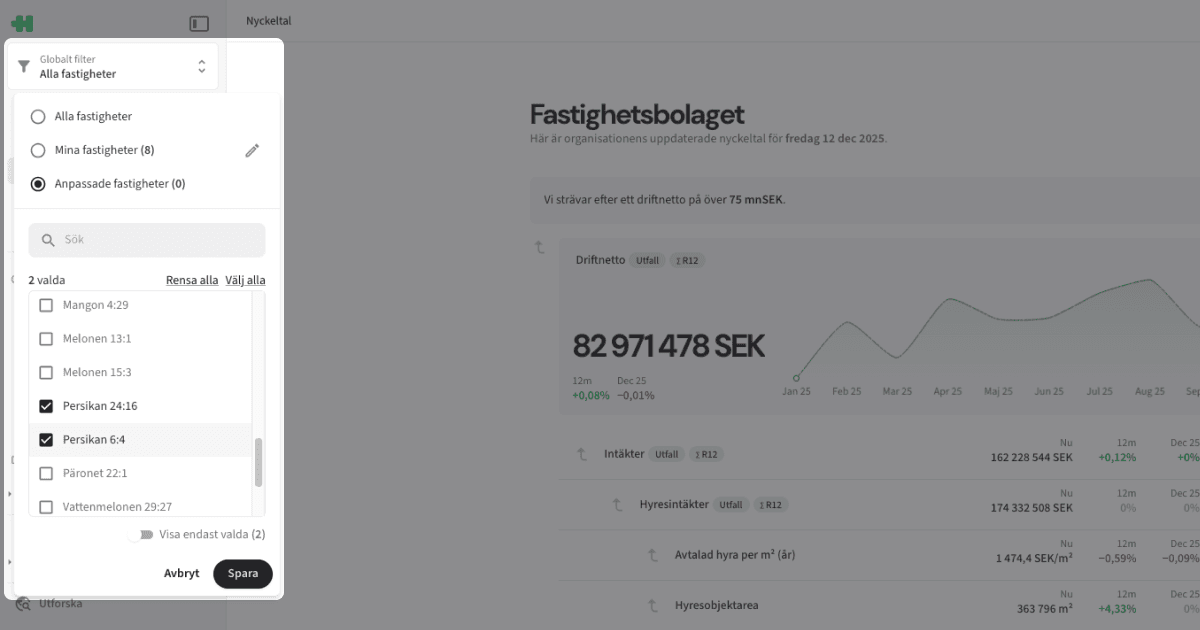
Click Custom properties and select the properties whose data you want the application to temporarily display.
Global filter selections are always saved and remain active the next time you open the application.
Tips
Use My properties for quick access to the properties you work with most often.
Custom properties is ideal for temporary analyses or when exploring a specific part of the portfolio.
Remember that the global filter only shows properties you have access to—data access always determines what is available.
Copyright © Homepal AB 2025